May 13, 2026 · 10 min read · by Agshin
Stripe Connect for agencies: a one-evening setup
Stripe Connect lets agencies collect deposits and full payments inside a proposal link. Setup takes one evening. Here is what you actually need.
- stripe-connect
- payments
- agency
- proposals
- deposits

Stripe Connect for agencies lets you collect deposits and full payments directly inside a proposal link, then route the funds to your own bank without a platform middleman touching the money. Setup takes about one evening if you already have a Stripe account, and the only cost on top of standard Stripe processing is a 0.25% payout fee capped at $25 per payout. The agency stays the merchant of record. The platform is infrastructure.
What Stripe Connect actually does for an agency
Stripe Connect is a set of APIs and dashboard tools designed for software platforms that need to move money between two parties they neither own nor control. For an agency using a proposal tool, the two parties are the agency (you) and the client. The tool is the platform. Stripe Connect routes the client's payment to the agency's connected bank account, and the platform never holds the funds.
The legal benefit is the bigger story. The agency stays the merchant of record. Refunds, chargebacks, tax compliance, and customer service obligations sit with the agency, not the platform. Your contract is with the client. The platform is plumbing.
This sounds like a small distinction. It is not. A platform that takes custody of your client's money is operating as a money transmitter in most jurisdictions, which means licensing, audits, and regulatory exposure. The Connect model puts the agency back where it belongs: as the seller, with a direct line from the client's card to the agency's bank.

Where payment sits in the closing loop
A proposal lives or dies across four stages: sent, seen, signed, paid. Each stage has its own friction. Most agency tools handle the first two. A few handle the third. The fourth is where the proposal becomes revenue, and it is where most tools hand the client off to a different app entirely.
The handoff is the cost. Every additional tool, login, or email between signing and paying is a chance for the client to pause and reconsider. The conversion rate from signed to paid drops with every minute that passes. Inside the same proposal link, with the same brand and the same flow, the conversion is close to the conversion from viewed to signed. Outside the link, it is anyone's guess.
Stripe Connect is the piece that closes the gap. The signature lands on the proposal page. The payment opens on the same page. The client never leaves.
Express, Standard, or Custom: which one fits an agency
Stripe offers three Connect account types. Most agencies want Express.
| Type | Setup time | Stripe handles | Best for |
|---|---|---|---|
| Express | About 2 minutes per agency | Identity verification, tax forms, payout schedule, branded dashboard | Most agencies |
| Standard | About 10-15 minutes per agency | Nothing platform-side. The agency manages a full Stripe dashboard. | Agencies that already run a serious Stripe operation |
| Custom | Engineering project | Nothing visible to the user. Branded onboarding and dashboard built by the platform. | High-volume platforms with their own payment engineering team |
For a single agency closing one to twenty proposals a month, Express wins on every axis except marginal cost. The two-minute onboarding alone pays for the small monthly fee. The 0.25% payout fee capped at $25 is not the line item that decides if you can run an agency, but the time you save by not building tax forms and identity flows in-house absolutely is.
Standard is worth the extra friction when the agency wants full control over the Stripe surface: custom payout schedules, manual disputes handling, direct API access to their Stripe operation. For most readers of this post, that is a future-state consideration.
The one-evening setup
The setup is not glamorous. It is six steps and a bit of waiting.
- Sign up at stripe.com if you do not already have an account. The signup itself takes about ten minutes.
- Verify your business identity. This is the slow part. Stripe asks for the legal name, address, and tax ID of the entity that will receive payouts. Have your business registration document ready.
- Add a bank account for payouts. This is where the money lands. Stripe will run a micro-deposit test that takes a day or two to clear, but you can start using the account immediately for test transactions.
- Connect Stripe to your proposal tool. In PropCraft this is one click in Settings under Payments. The tool opens a Stripe-hosted onboarding flow, you click through, and Stripe redirects you back. The flow checks a few capability flags and flips your account to Connected.
- Enable the payment block on a proposal. In the editor, toggle Payment on, pick deposit percent or full amount, and save.
- Send a test proposal to yourself. Use Stripe's test card numbers, like 4242 4242 4242 4242 with any future expiry and any CVC. Confirm the payment arrives, the proposal flips to paid, and the email lands in your inbox.
End to end, this is one evening if you have your business documents ready. The longest part is waiting for the bank verification to clear, and you can run test transactions while that runs in the background.
A note for agencies outside the United States: the Stripe activation flow varies by country. The country selector on signup determines what documents Stripe will ask for. In most countries, Express onboarding still takes under five minutes once you have your tax ID and bank details on hand. The list of supported countries lives on the Stripe global page.
Deposits, retainers, and milestone payments
The payment block on a proposal is not just a button that asks for the full amount. The pattern that closes deals is the partial payment.

A standard agency engagement looks like this:
- 30 to 50 percent deposit on signature, due immediately
- Milestone payments at agreed checkpoints (design approval, build complete, launch)
- Final balance due on delivery
Stripe Connect supports all three out of the box. Deposits are a one-time charge against the proposal total. Milestones are separate one-time charges you invoice as you hit each one. Retainers, which are recurring revenue, use Stripe Billing under the same connected account.
The deposit pattern
The single most useful pattern is the deposit. Asking for 30 percent up front lifts close rates and filters out clients who never actually intended to start. The deposit conversation is also the moment a serious client commits. Without a payment link inside the proposal, the deposit becomes a separate invoice email, a separate payment process, and a separate point of friction. Inside the proposal, it is one click.
Agencies that switch from invoice-on-completion to deposit-on-signature report two effects in the same quarter: fewer ghosted clients (the deposit is the screening tool) and faster project starts (the work begins the moment the money lands, not the moment someone remembers to pay an invoice three weeks later).
The milestone pattern
For longer engagements, milestones split risk. The client commits to a smaller amount up front. The agency carries less unbilled work. Both parties have a checkpoint to renegotiate scope without the proposal becoming a moving target.
Two milestones are usually enough for an engagement under three months: deposit on signature, balance on delivery. For six-month and longer engagements, three or four milestones tied to deliverables work better. More than four starts to feel administrative.
The retainer pattern
Monthly retainers are not technically Stripe Connect charges. They use Stripe Billing, which sits next to Connect on the same account. The client signs the proposal, enters card details once, and the same card is charged automatically on the first of every month until either party cancels. This is the closest agency revenue gets to SaaS revenue.
What the fees actually cost you
For US card payments processed through Stripe Connect, the math is straightforward.
- Standard processing: 2.9% plus 30 cents per successful charge
- Connect fee on top: 0.25% per payout, capped at $25 per individual payout
On a $5,000 deposit, the total fee is roughly $158. About $145 of that is the base Stripe processing rate that applies anywhere you take a card, including direct invoicing. The Connect portion is the $12.50 cap on the payout fee. International card processing and other payment methods carry different rates, all listed in Stripe's pricing.
For most agencies the fee is significantly less than the time cost of chasing an unpaid invoice for two weeks. The math gets even friendlier as deposit sizes grow because the per-payout fee is capped.
What happens to the money before payout
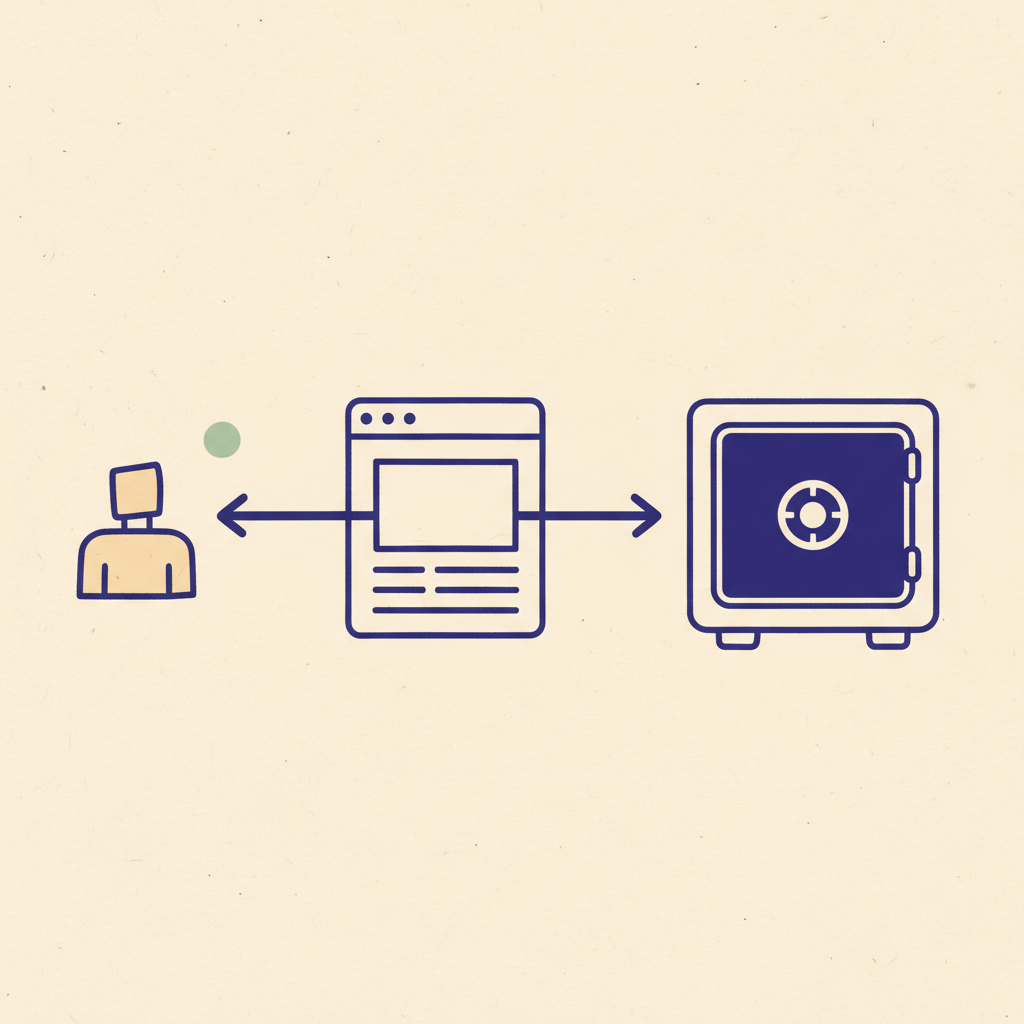
This question comes up on every onboarding call. The short answer is: funds sit in your connected Stripe account from the moment the charge succeeds. The platform never sees them.
The default payout schedule is a rolling two-business-day window for US accounts. International accounts run on slightly longer cadences depending on the country and the payment method. You can configure manual payouts, daily payouts, or weekly payouts in your Stripe dashboard. The first payout is sometimes held for a few extra days while Stripe verifies the bank account, but every subsequent payout follows the configured cadence.
For agencies billing larger amounts, the math is worth checking. A $25,000 deposit on a two-day payout schedule means the money sits in Stripe's float for about 48 hours, which is fine. A $25,000 deposit on a weekly payout schedule means the money sits for up to 8 days, which is also fine, but worth knowing if the agency relies on tight cash flow.
Common setup mistakes
Three things trip up most agencies on the first run.
The first is wiring the webhook on the wrong endpoint. The webhook is what tells the proposal tool that the payment succeeded. Without it, the client pays, but the proposal does not flip to paid in the dashboard. The fix is to point the webhook at the platform's webhook URL, not at the connected account directly.
The second is forgetting to enable both platform events and Connected accounts events on the same webhook. The payment success event fires on the platform. The Connect account state changes fire on the connected account. Both matter. Stripe's webhook dashboard has a single switch for each.
The third is using a personal bank account for payouts. Stripe accepts this in most countries during the test phase, but flags it during activation. The clean path is to set up a business bank account before connecting Stripe, even if the agency is a sole proprietorship. The Stripe activation form asks for it explicitly.
Frequently asked
Can I use my existing Stripe account?
Yes. The Connect onboarding flow connects an existing Stripe account in the same flow as a new one. The account becomes a connected account from the platform perspective without losing access to its existing transactions or settings.
What happens to the money before payout?
Funds sit in your connected Stripe account from the moment the charge succeeds. The default payout schedule is a rolling two-business-day window for US accounts, with the actual cadence configurable in your Stripe dashboard. The platform never touches the funds.
What if the client wants a refund?
You issue the refund from your connected Stripe dashboard. The processing fee is non-refundable, but the principal returns to the client card. PropCraft surfaces the refund event on the proposal automatically through the webhook.
Does Stripe Connect work outside the United States?
Yes. Stripe is supported in 50 plus countries with varying capabilities. The Express onboarding flow handles international agencies, and connected accounts can receive payouts in 135 plus currencies. The full country support list is on the Stripe global page.
Is the 0.25% Connect fee on top of every transaction?
No. The 0.25% Connect fee is a payout fee, not a per-charge fee. It applies to the bulk payout that lands in your bank, and it is capped at $25 per individual payout. On large deposits the effective rate is close to zero.
Frequently asked
Can I use my existing Stripe account?
Yes. The Connect onboarding flow connects an existing Stripe account in the same flow as a new one. The account becomes a connected account from the platform perspective without losing access to its existing transactions or settings.What happens to the money before payout?
Funds sit in your connected Stripe account from the moment the charge succeeds. The default payout schedule is a rolling two-business-day window for US accounts, with the actual cadence configurable in your Stripe dashboard. The platform never touches the funds.What if the client wants a refund?
You issue the refund from your connected Stripe dashboard. The processing fee is non-refundable, but the principal returns to the client card. PropCraft surfaces the refund event on the proposal automatically through the webhook.
Related reading
Keep going
May 18, 2026 · 10 min
Why your 2026 proposal close rate dropped (it isn't pricing)
Top-quartile agencies close 35% of proposals while bottom quartile sits below 18%. The gap is the close flow, not the pricing. Here is what changed in 2026 and how to fix it.
Read postMay 13, 2026 · 9 min
Are typed signatures legal? What makes them binding
A typed name in a signature field is legally binding under ESIGN, UETA, and eIDAS. What matters is intent plus a verifiable audit trail. Here is the bar.
Read postMay 12, 2026 · 3 min
How we cut our first proposal cycle from 11 days to one hour
The 11-day proposal that taught us PropCraft had to exist. A short field-note on what we changed, and what we measured.
Read post